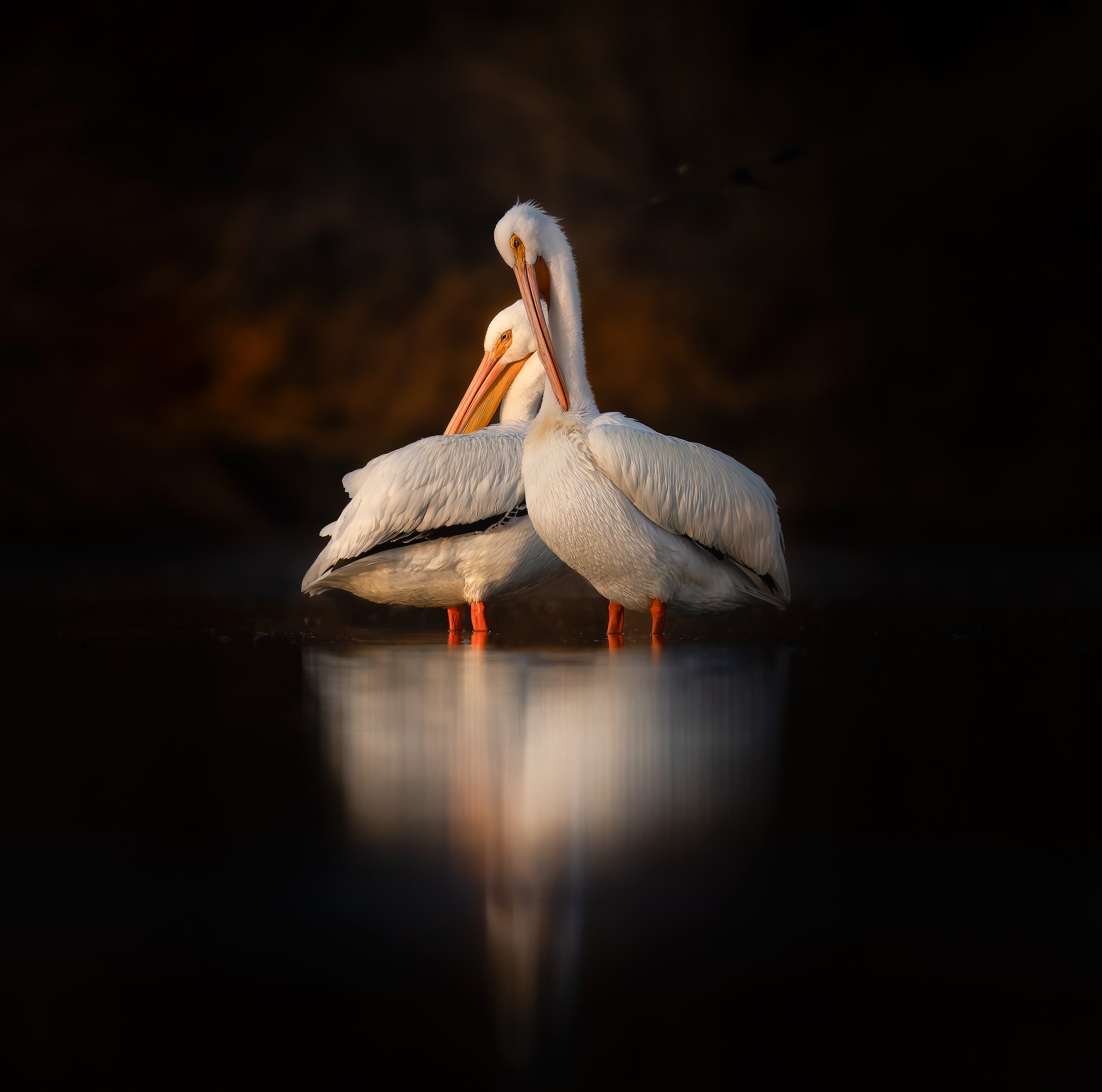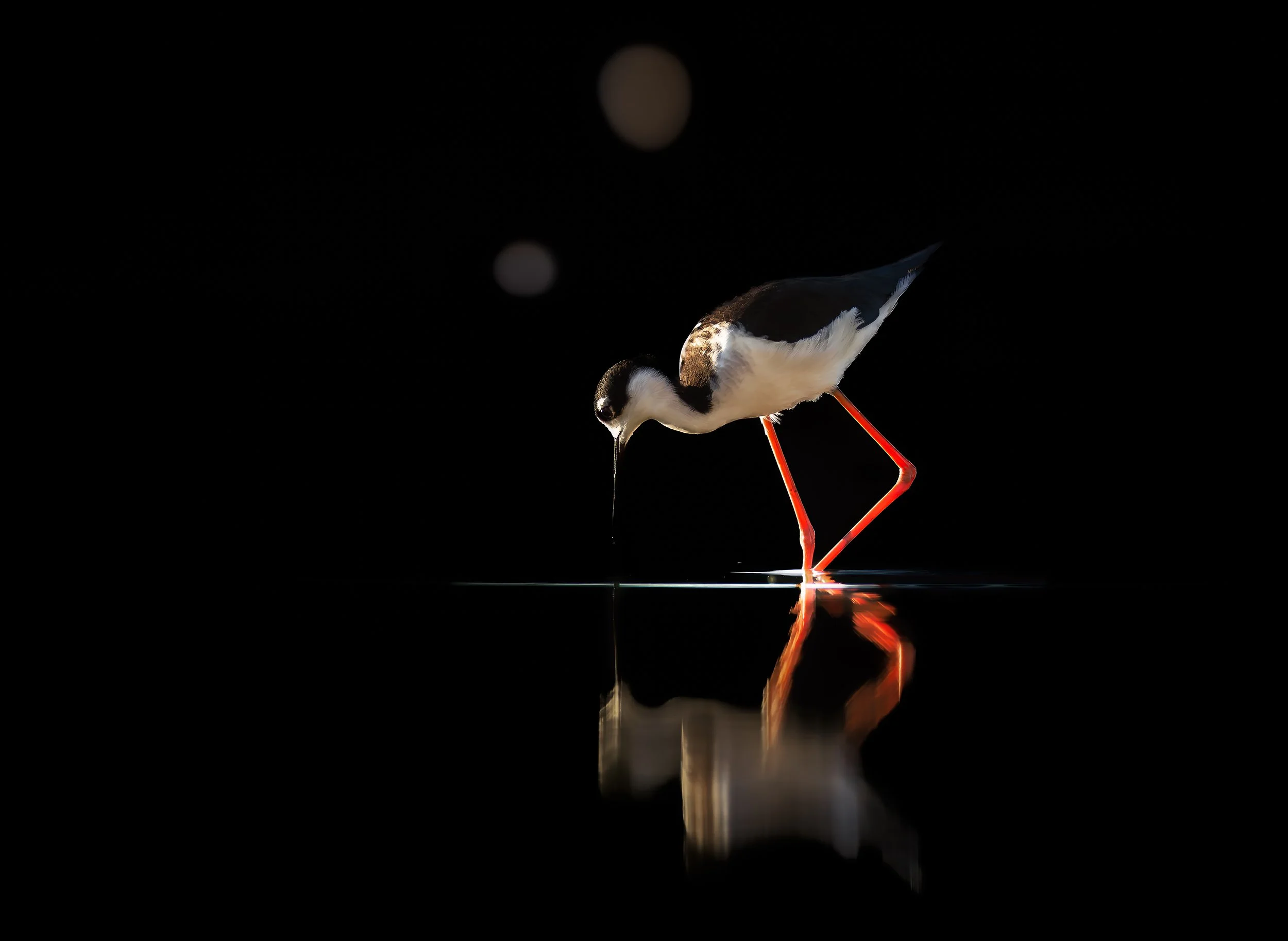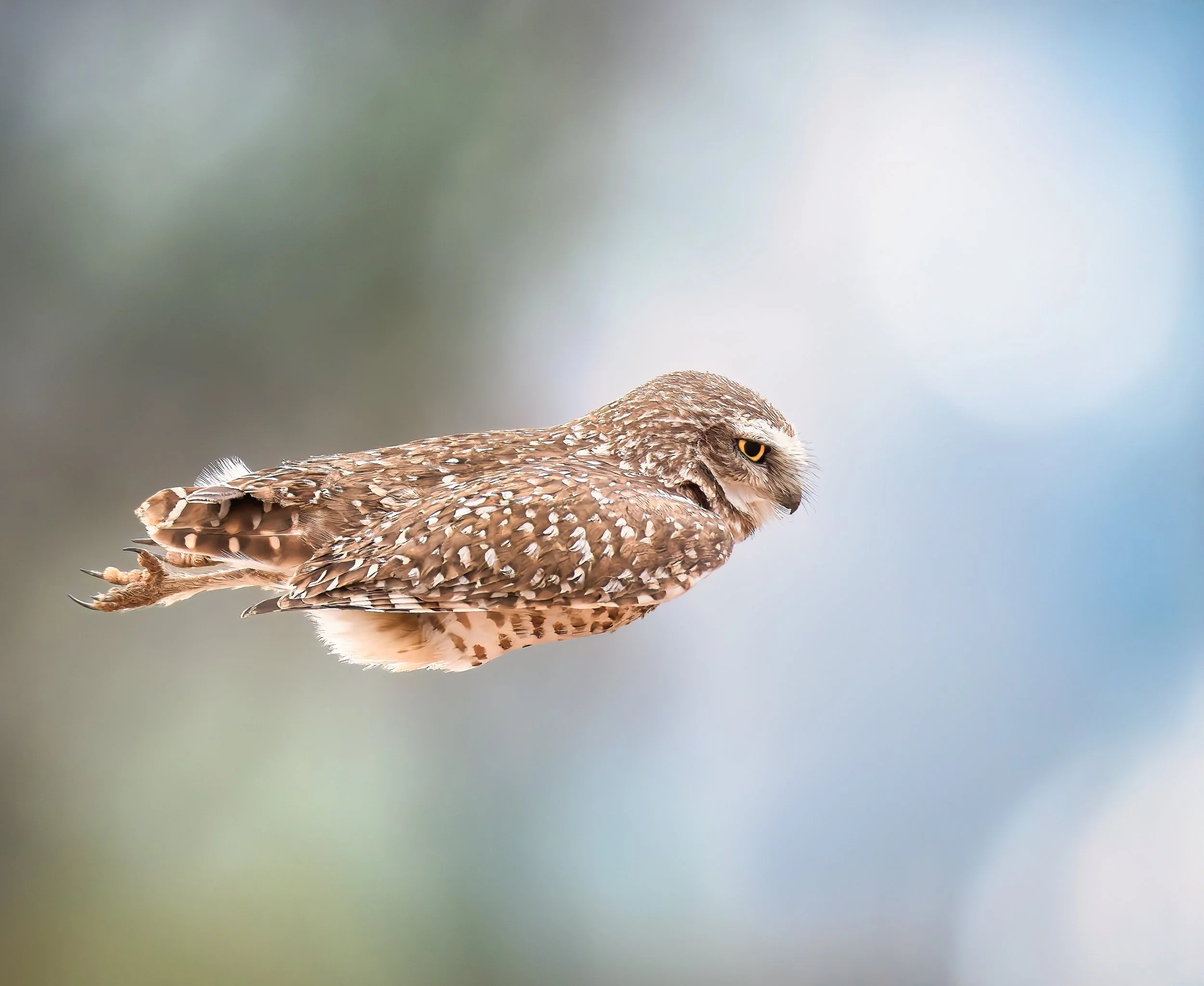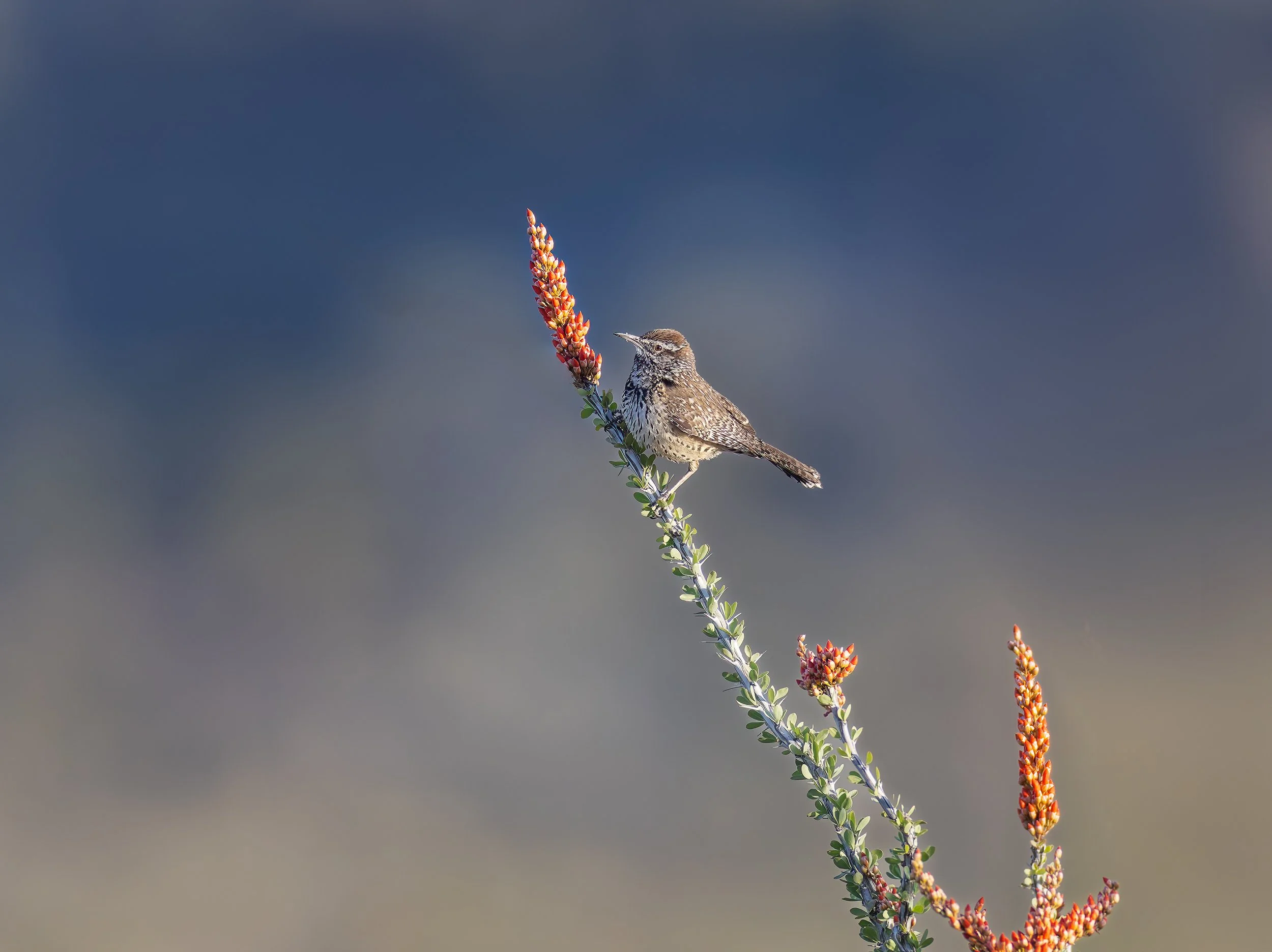
The Editing Process Matters
Making a photograph doesn't end when you press the shutter. What happens afterward is just as important.
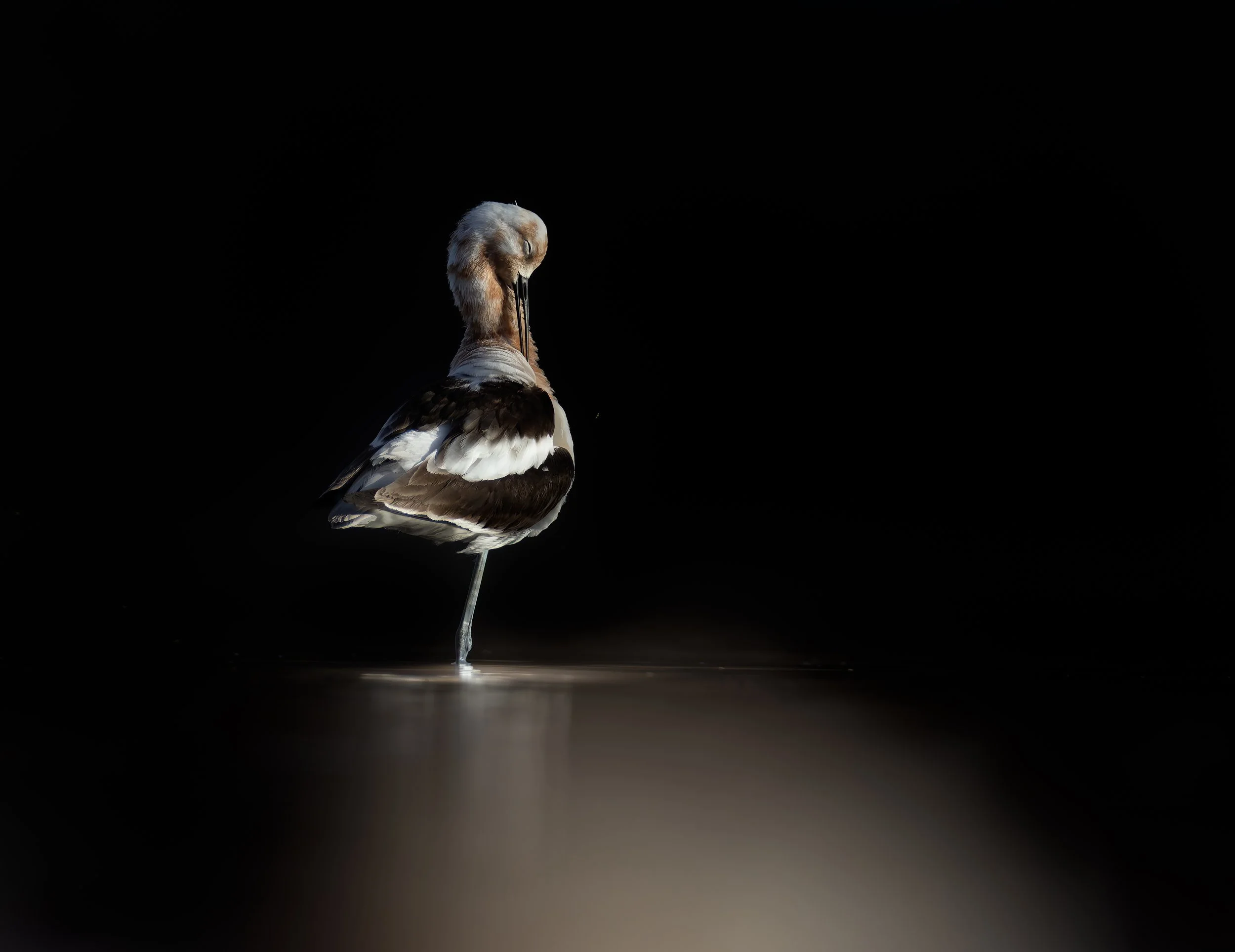
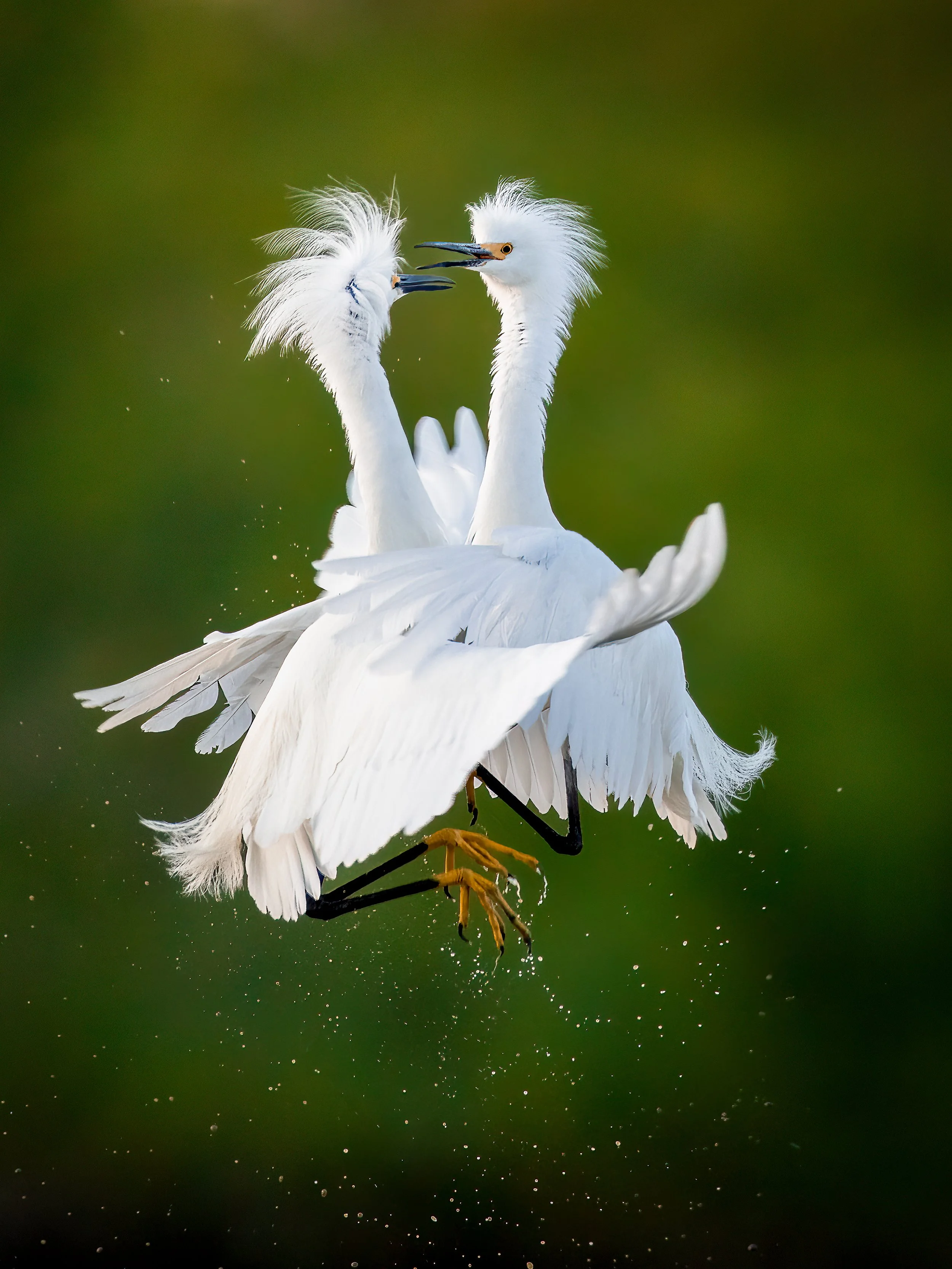
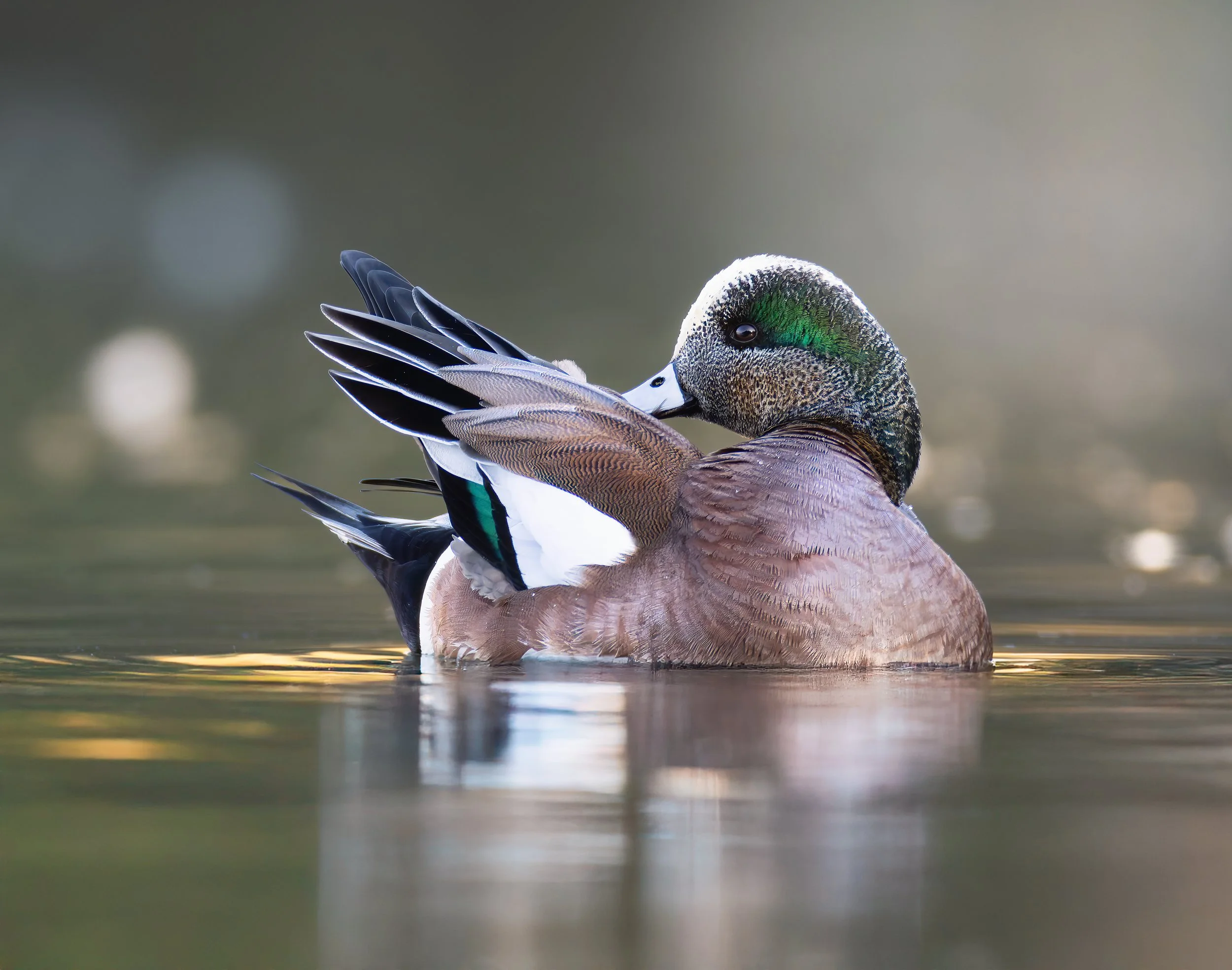
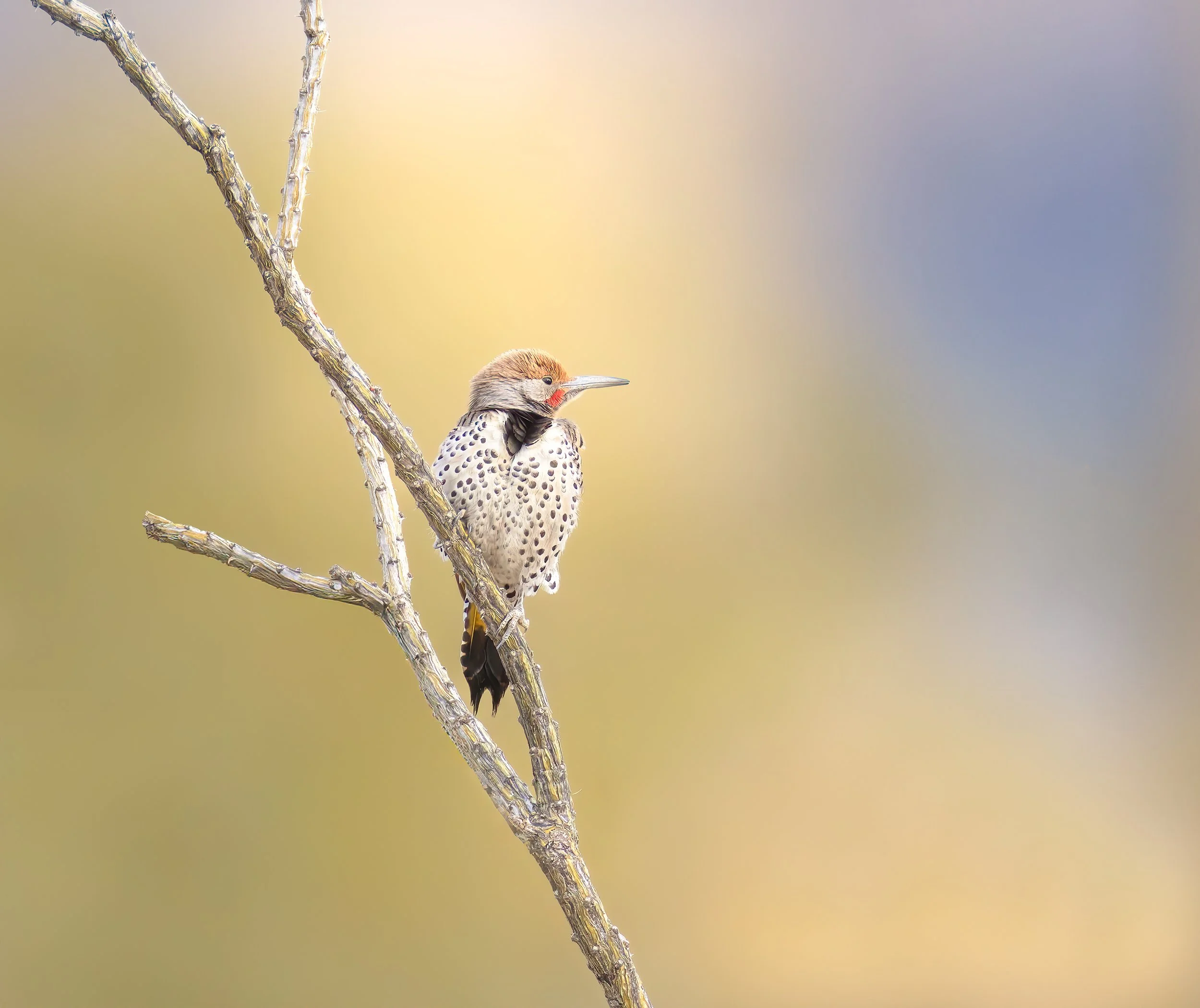
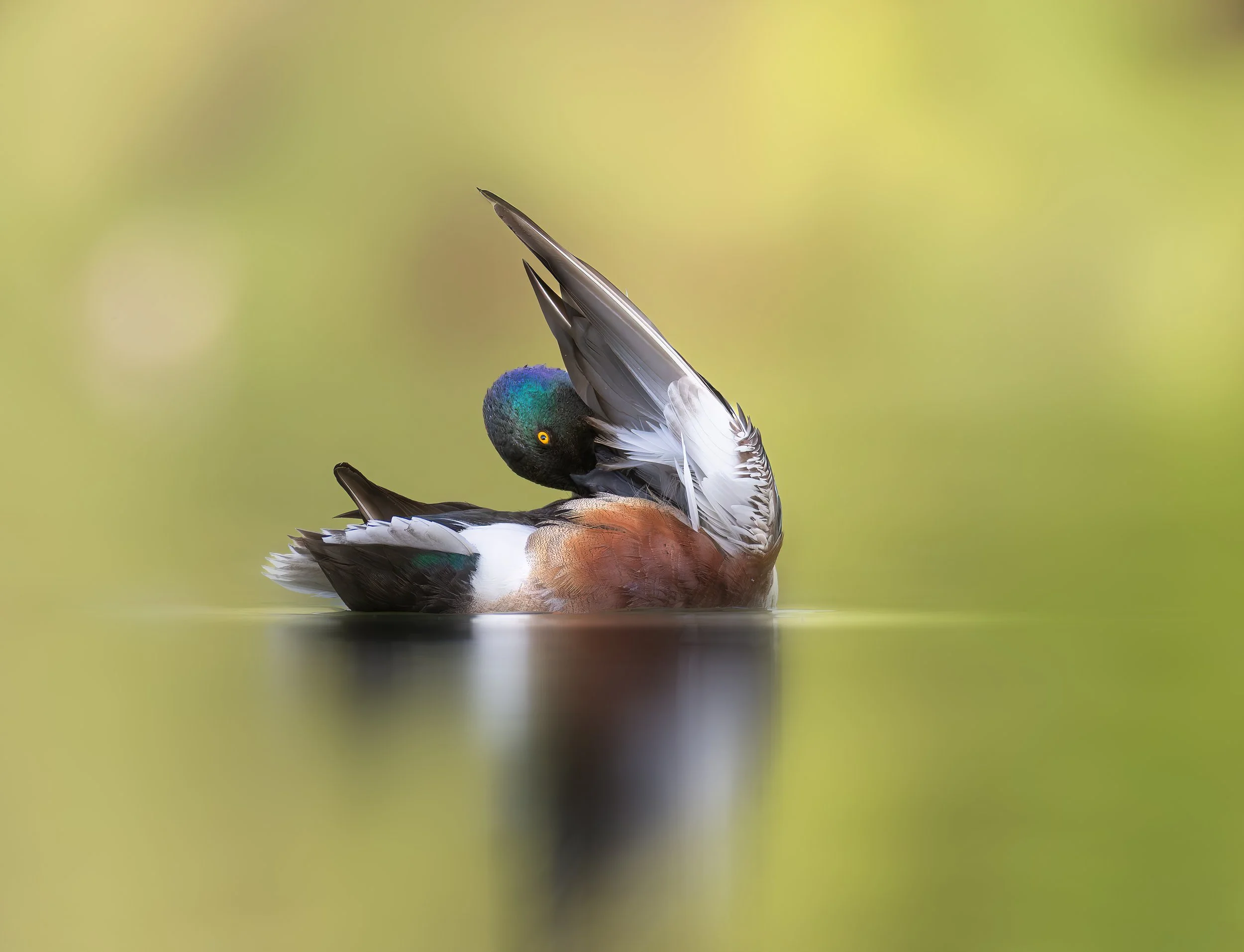
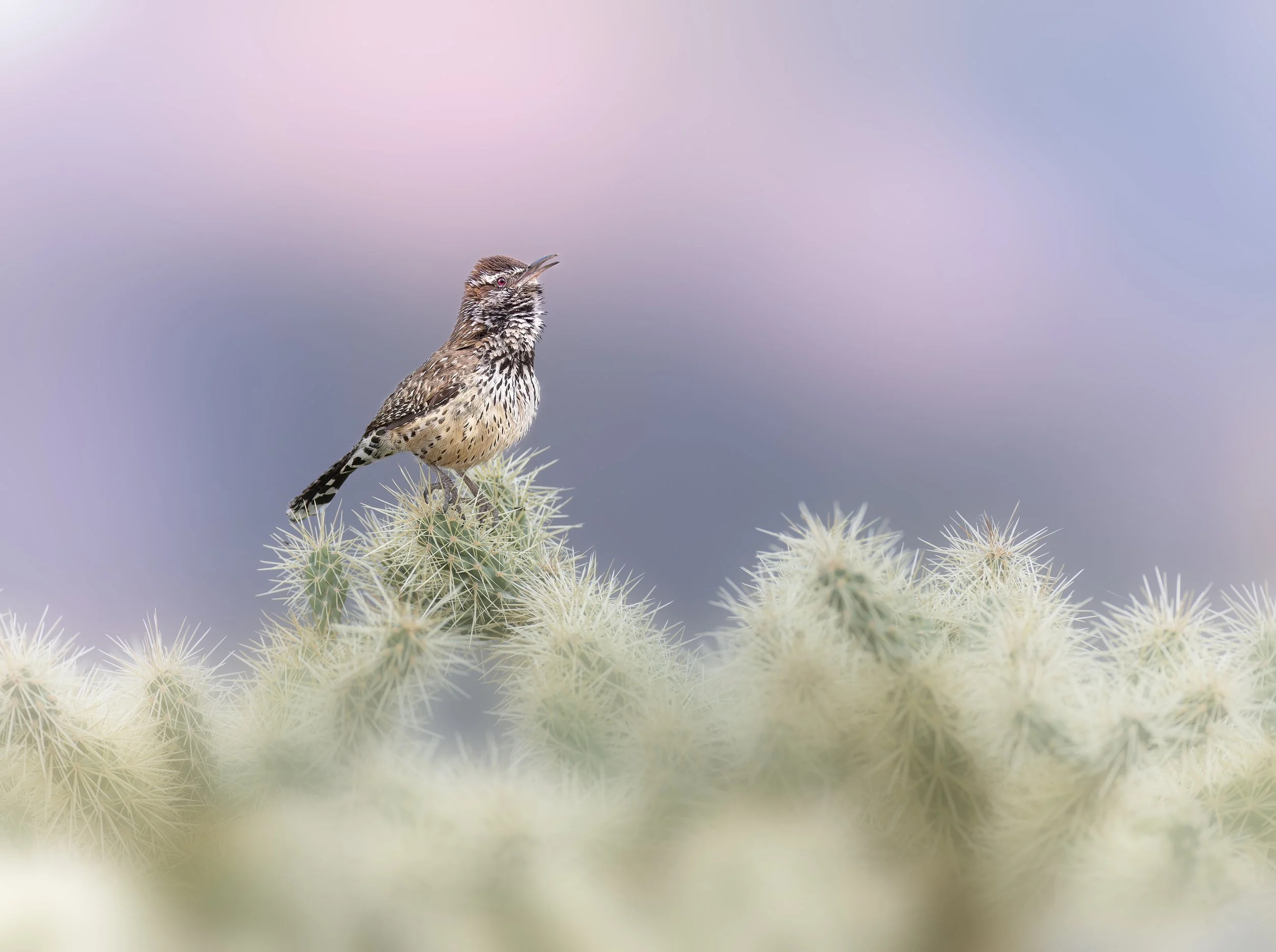
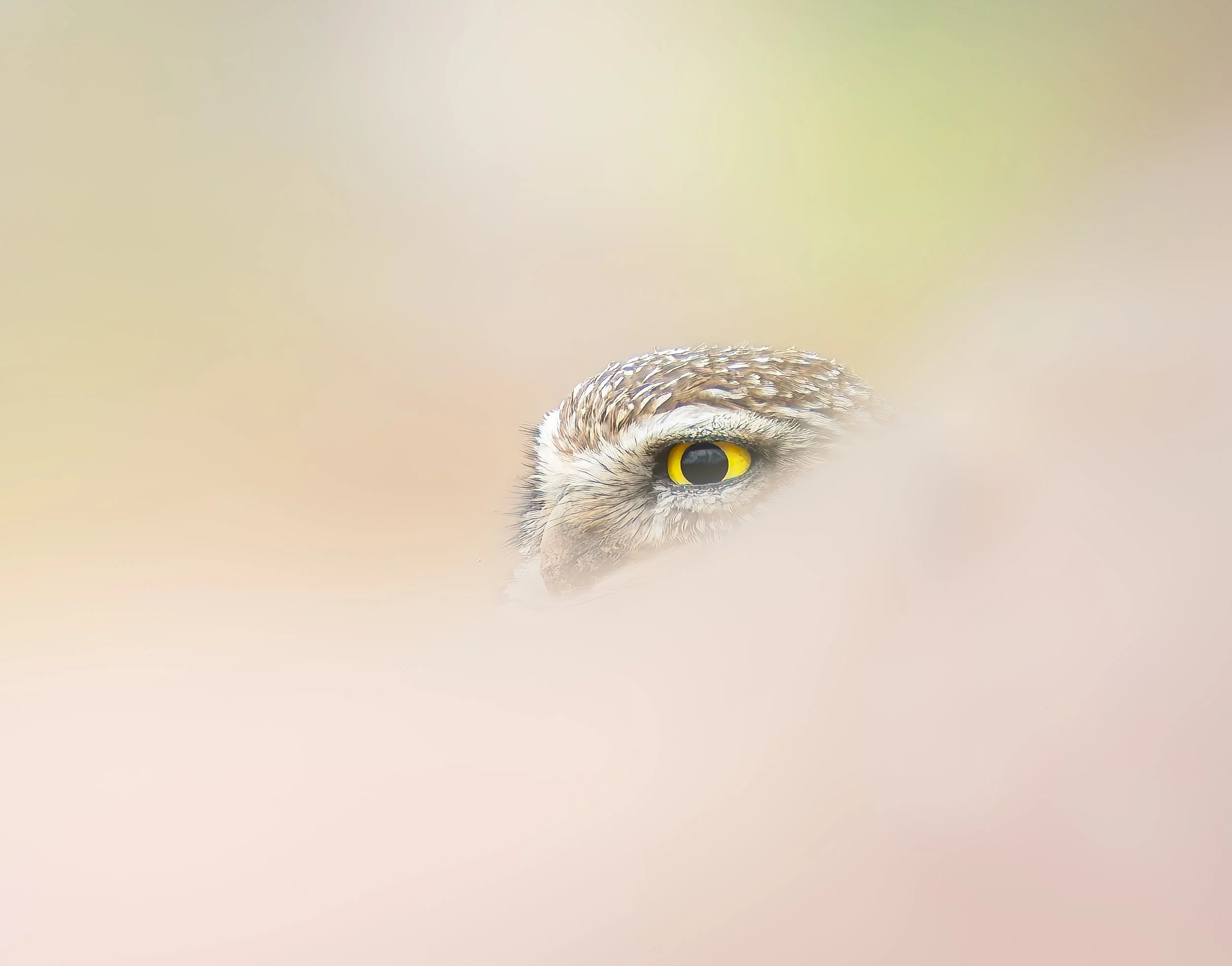
Over the years, I've developed an editing workflow that begins with evaluating the photograph and understanding what I want to accomplish before making the first adjustment. Some images need very little work. Others benefit from more selective adjustments to light, color, contrast, and background. The important part is knowing the difference.
In this half-day workshop, we'll work through my approach to selecting, processing, and finishing bird and wildlife photographs using Adobe Lightroom Classic and Photoshop.
We'll look at the decisions behind the adjustments, not simply which sliders to move. The goal is to develop a practical workflow that helps you get the most from your photographs while maintaining the qualities that made them worth capturing in the first place.
“Christopher was extremely professional with good presentation skills. Very patient with the class and easy to be around. He is very knowledgeable of the area and got the class to the right place at the right time. I was able to capture some images that I am happy to have in my portfolio.”
“I attended the workshop with the goal to just have fun and get out in nature with my camera. Once we dug in, I was shocked and amazed at how much I learned in all aspects; Capture, culling and editing. The workshop was very organized and informative. At the end of the workshop I can honestly say that, YES...I did have fun, but I got so much more!”
“Really low key, fun, and fact filled workshop. Many great opportunities to practice technique and improve with help from the instructors.”
Workshop Overview
This four-hour workshop combines live editing demonstrations, practical instruction, and time to work on your own photographs.
We'll begin with image selection and evaluation, then move through a complete editing workflow using Lightroom Classic and Photoshop. Along the way, we'll discuss exposure, color, noise reduction, masking, selective adjustments, sharpening, and preparing an image for its intended use.
We'll also explore how editing decisions can change depending on whether you're creating a documentary photograph, a fine art image, or something intended for sharing online.
Participants should have a basic familiarity with Lightroom Classic. This is not an introductory software class, but you don't need to be an advanced editor to benefit.
The Half-Day Experience
9:00 AM | Image Selection and Evaluation
Before we begin editing, we'll look at what makes a photograph worth processing. We'll discuss image selection, sharpness, exposure, composition, and how to identify both the strengths and limitations of an image.
9:30 AM | Building the Foundation in Lightroom Classic
We'll work through the initial adjustments that establish the foundation of a finished photograph, including white balance, exposure, tonal range, cropping, color, and noise reduction. We'll also discuss the order in which adjustments are made and why that matters.
10:15 AM | Selective Editing and Creative Intent
Using Lightroom's masking tools, we'll look at ways to make selective adjustments to subjects and backgrounds, control distractions, and direct attention within the frame. We'll also discuss how processing choices can differ depending on the intended use of the photograph.
11:00 AM | Short Break
11:10 AM | Photoshop and Finishing Techniques
We'll move into Photoshop for adjustments that benefit from additional control, including distraction removal, selective sharpening, and final refinements. We'll also discuss when an image is finished and how to prepare files for different uses.
11:45 AM | Hands-On Editing and Image Review
Participants will have time to work on their own photographs while I provide individual guidance. We'll review images, discuss different approaches, and work through questions that come up during the editing process.
1:00 PM | Workshop Concludes
What You'll Learn
How to evaluate and select images before processing
A practical, repeatable Lightroom Classic workflow
Exposure, white balance, color, and tonal adjustments
Noise reduction and sharpening techniques
Selective masking and background adjustments
When and why to move an image into Photoshop
How processing decisions relate to photographic intent
Preparing finished images for print, web, and social media
What to Bring
Laptop: Bring your own laptop with Adobe Lightroom Classic and Photoshop installed and functioning.
Photographs: Bring three to five RAW images you'd like to work on. I recommend selecting photographs that present different editing challenges.
Power Adapter: Please bring your laptop's power supply.
Software Familiarity: A basic understanding of importing, organizing, and making adjustments in Lightroom Classic is recommended.
Investment
$225 per photographer
$195 for previous Birds and Backroads workshop participants
The registration fee includes four hours of instruction, live editing demonstrations, hands-on editing time, and individual guidance.
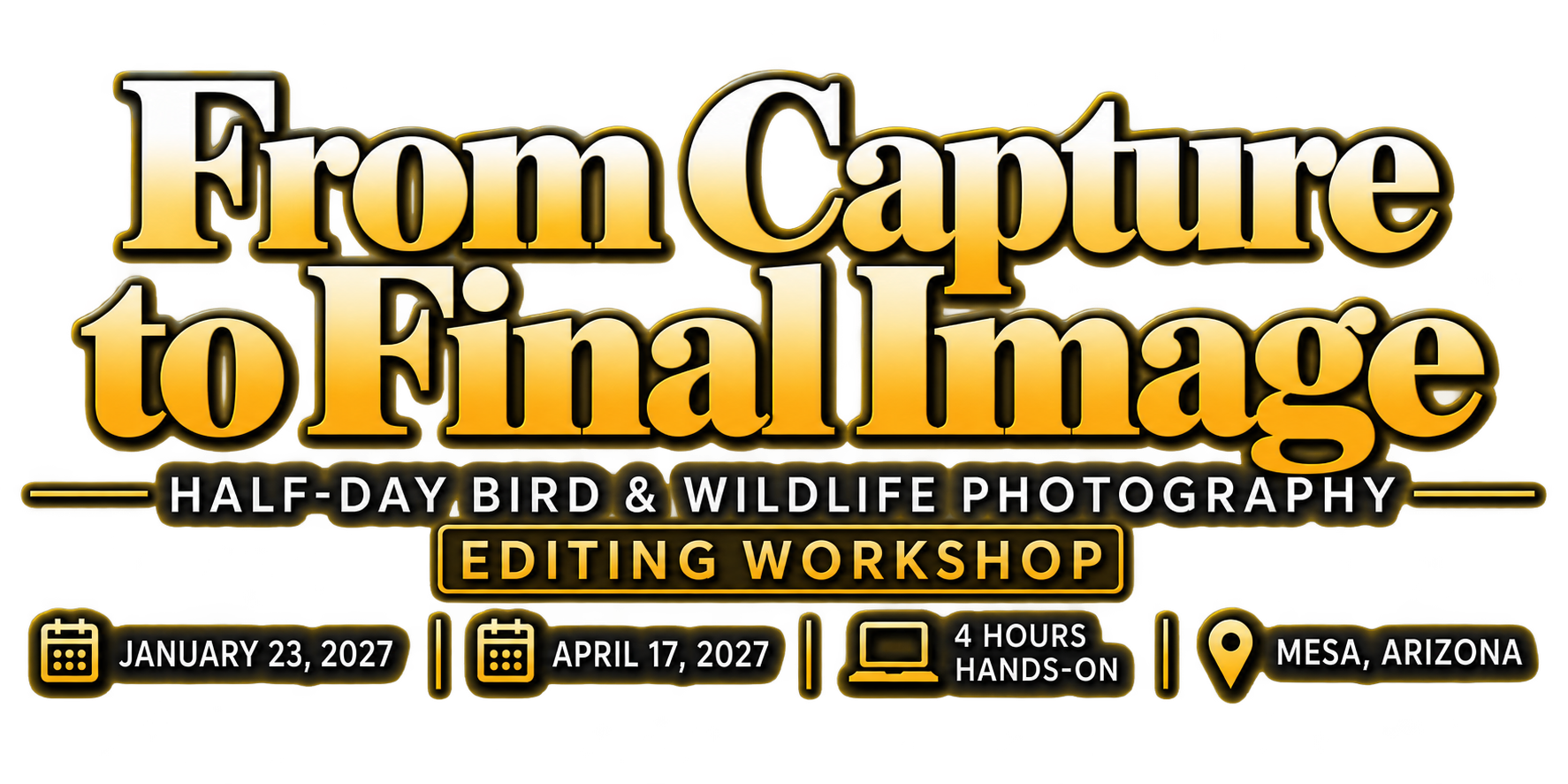
Location: Mesa, Arizona
Duration: Four hours
Format: In-person, hands-on instruction
Available Workshop Dates
January 23, 2027 April 17, 2027
Select your preferred date when registering. Both sessions offer the same four-hour, hands-on editing workshop in Mesa, Arizona.
Cancellation & Refund Policy
Cancellations made at least 7 days before the workshop will receive a full refund.
Cancellations made between 3 and 6 days before the workshop will receive a credit toward a future Birds and Backroads editing workshop.
Cancellations made less than 72 hours before the workshop, or failure to attend, are nonrefundable.
If the workshop is canceled by Birds and Backroads for any reason, participants will receive a full refund or may choose to transfer their registration to a future session.
Got Questions About the Workshop?
If you’re unsure whether this workshop is the right fit, I’m happy to help.
Use the contact form for detailed questions
Or click the chat icon at the bottom of the page to message me in real time
I’ll respond as quickly as possible and help you decide if this experience aligns with your goals.
Your Instructor
Christopher Forslund
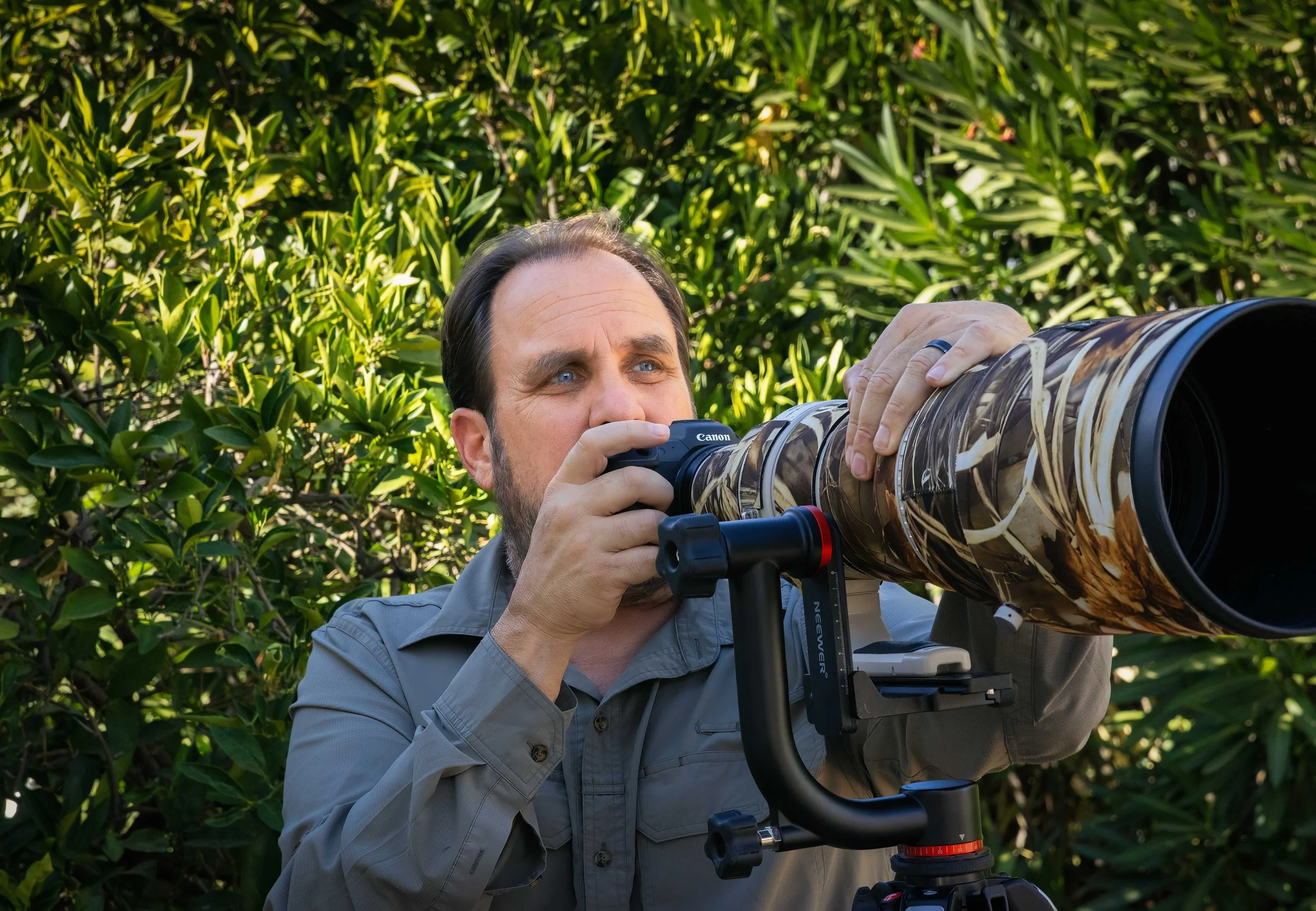
Christopher Forslund is a wildlife and bird photographer whose work focuses on natural light, behavior, simple compositions, and the relationship between a subject and its environment.
Chris has been photographing for much of his life, but in recent years birds and wildlife have become the primary focus of his work. His photographs have been recognized in national and international competitions and exhibitions, including the National Wildlife Federation Photo Contest, and his image Curtsy was selected for the Winter 2026 cover of National Wildlife Magazine.
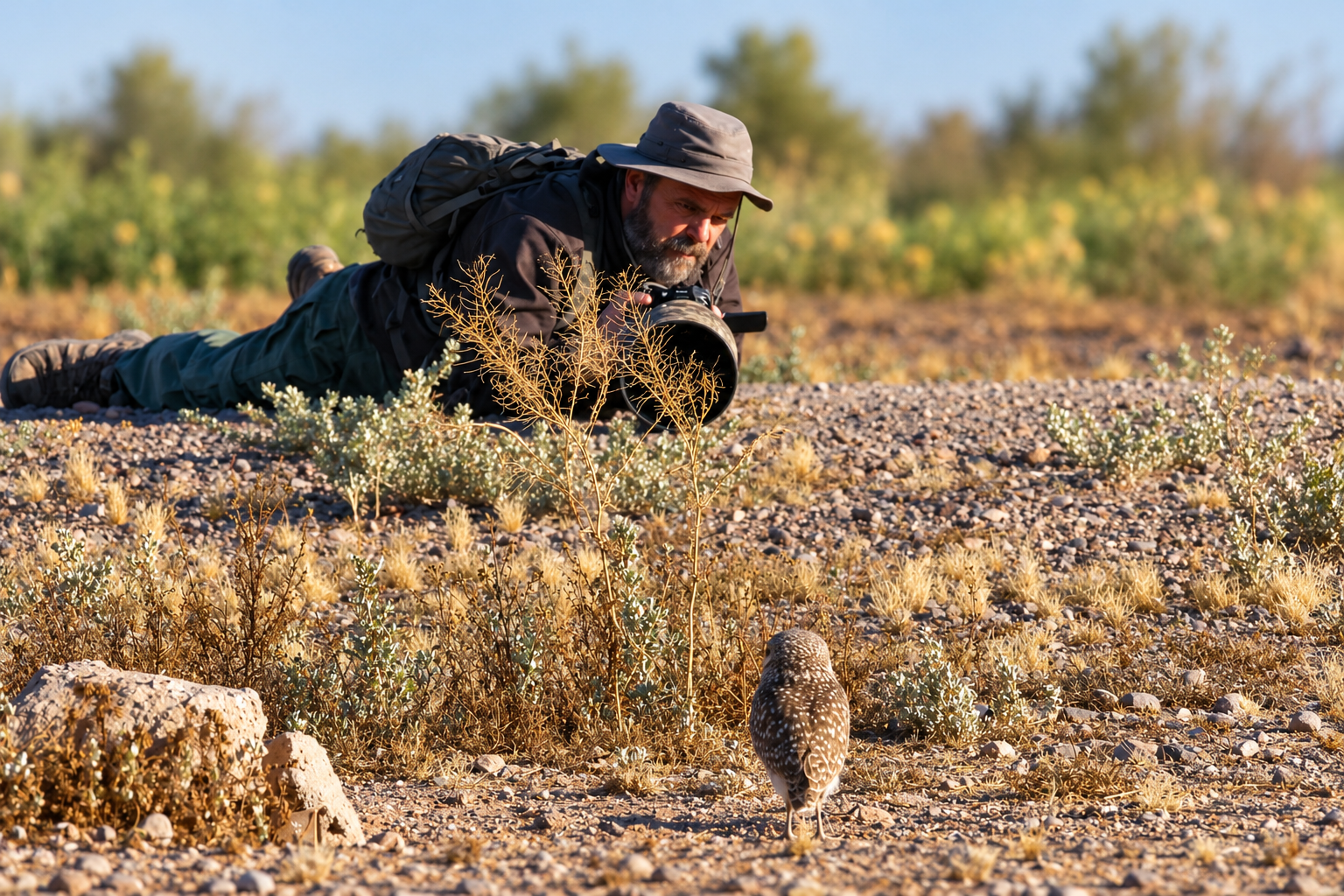
Teaching has also become an important part of his photography. Through Birds and Backroads, Chris leads workshops and works one on one with photographers in the field and online. His approach is practical and centered on many of the same things you'll work on during this workshop: understanding light, recognizing behavior, finding better backgrounds and perspectives, and learning to make more deliberate decisions before pressing the shutter.
Image processing is an important part of Chris's photographic work, from evaluating and selecting images to making the final adjustments in Lightroom Classic and Photoshop. His approach emphasizes understanding what an image needs, making deliberate adjustments, and developing a workflow that supports the photographer's original intent.